How to Install WordPress Plugins
1. Download the desired plugin as a .zip file from either the Weblizar or from a Codecanyan. If you’re downloading from a third-party website, make sure that the plugin developer is legitimate.
2. From your WordPress dashboard, choose Plugins > Add New.
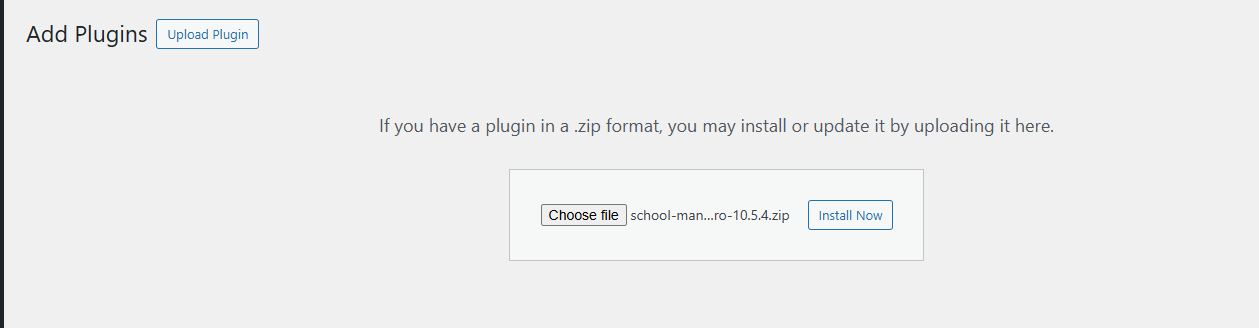
3. Click Upload Plugin at the top of the page.

4. Click Choose File, locate the plugin .zip file, then click Install Now.
5. After the installation is complete, click Activate Plugin.